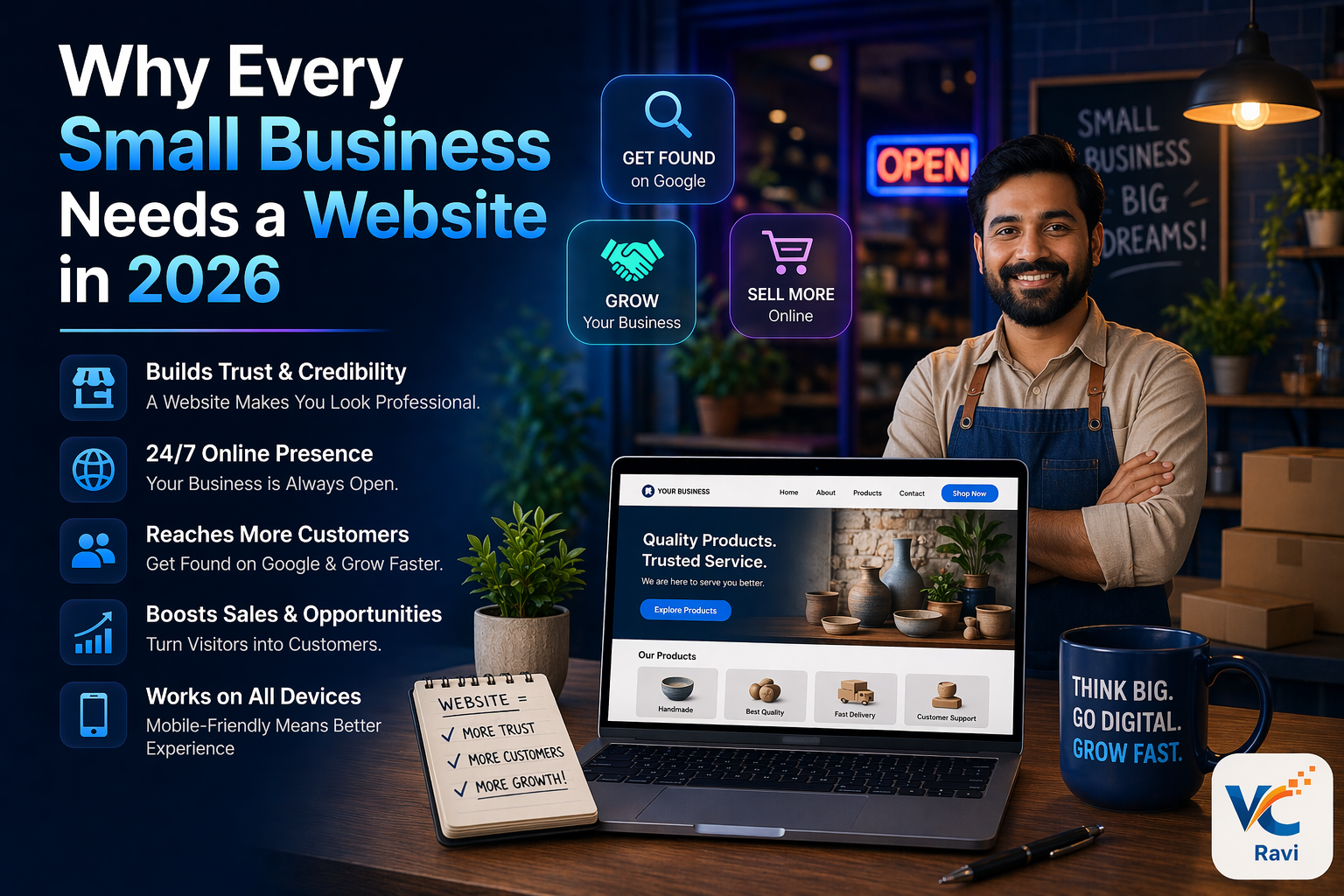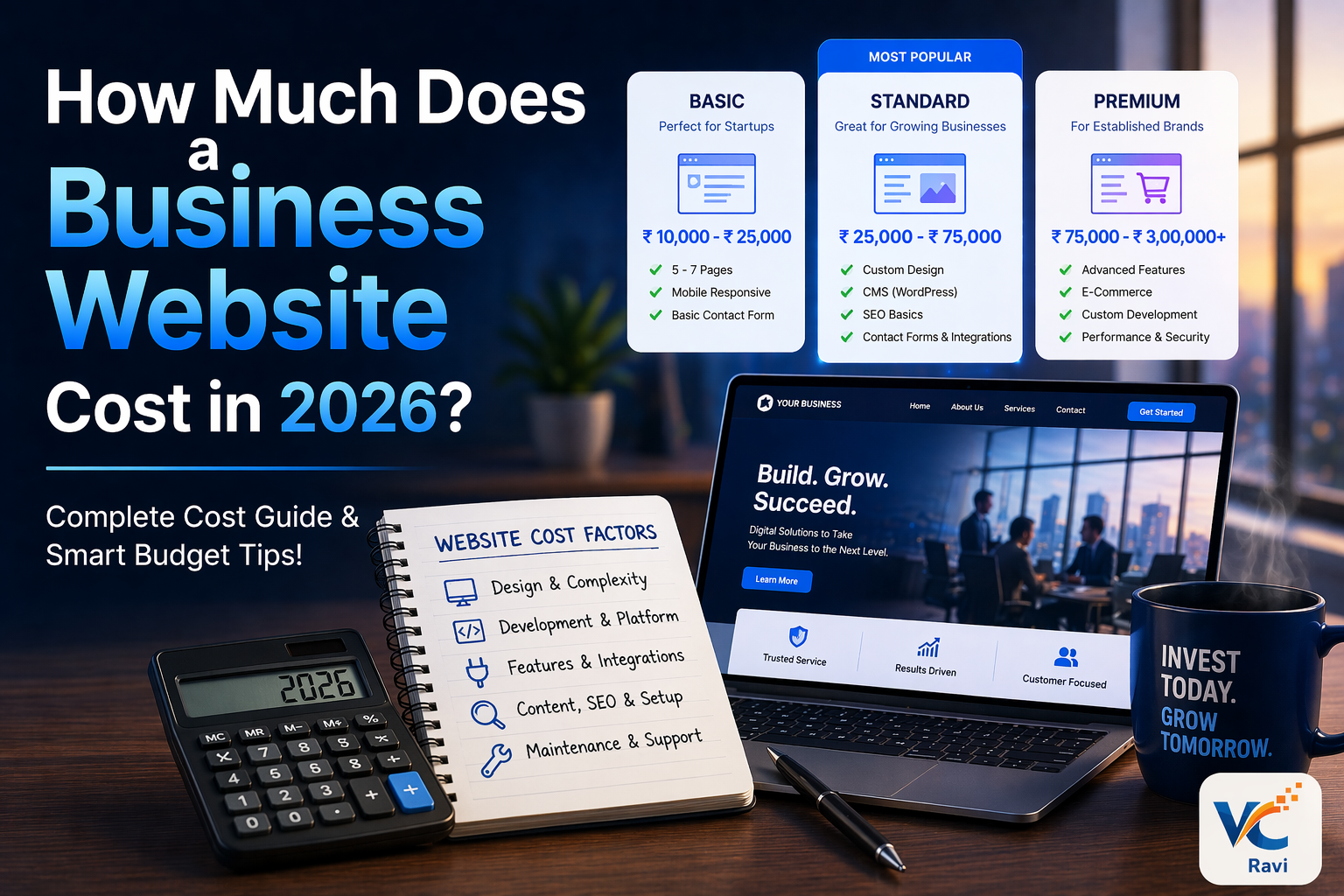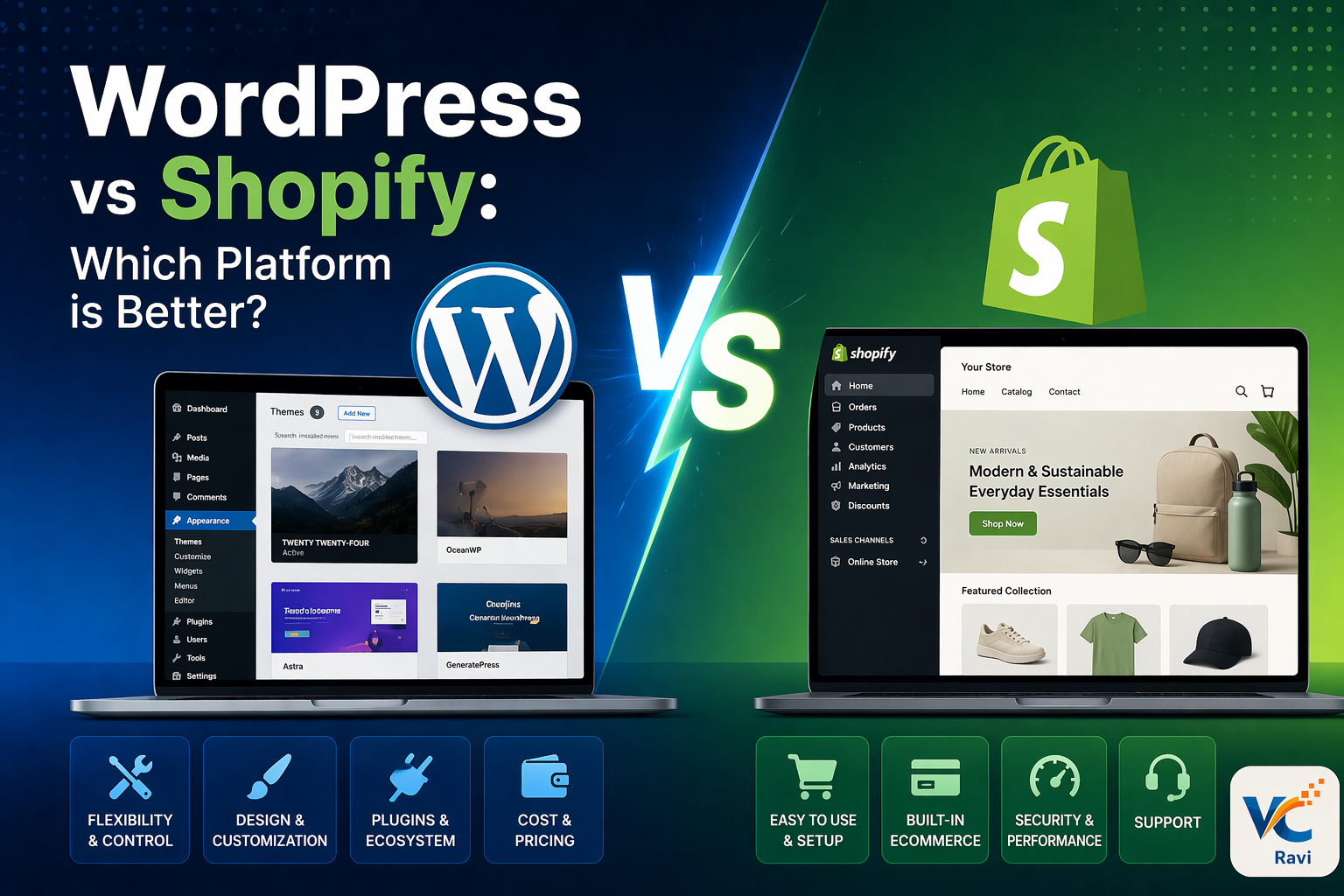

Best website design tips for small business owners can completely transform how a business attracts customers online in 2026.
Today, your website is not just a digital brochure. It is your online showroom, sales executive, marketing tool, and brand identity all working together 24/7.
Most customers now search online before making a purchase decision. If your website looks outdated, loads slowly, or feels confusing, potential customers may leave within seconds and choose your competitors instead.
The good news is that small improvements in website design can create a huge impact on traffic, engagement, leads, and conversions.
In this guide, you will discover the best website design tips for small business owners to build a professional online presence and grow faster in 2026.
Why Website Design Matters for Small Businesses
A professional website helps businesses:
- Build customer trust
- Generate leads
- Improve Google rankings
- Increase conversions
- Strengthen branding
- Support digital marketing campaigns
Whether you run a gym, real estate company, salon, coaching institute, local shop, or service business, your website directly affects how customers perceive your brand.
First Impressions Decide Customer Trust
Users form an opinion about your website within a few seconds.
A clean and modern design immediately creates confidence.
On the other hand, poor layouts, outdated visuals, and slow loading speed can reduce trust instantly.
That is why investing in good website design is essential for small businesses in 2026.
Keep Your Website Design Simple and Clean
One of the best website design tips for small business owners is keeping the layout clean and simple.
Many businesses try to add too many colors, animations, popups, and unnecessary elements.
This creates confusion and negatively affects user experience.
Benefits of a Clean Website Design
A simple website:
- Looks more professional
- Improves readability
- Helps users navigate easily
- Loads faster
- Increases conversions
Focus on clarity instead of complexity.
Make Your Website Mobile-Friendly
Mobile responsiveness is no longer optional.
Most users browse websites using smartphones.
If your website does not work properly on mobile devices, you may lose a large percentage of potential customers.
Important Mobile Optimization Tips
Your mobile website should:
- Load quickly
- Have readable text
- Use mobile-friendly buttons
- Fit all screen sizes properly
- Offer smooth navigation
Google also prioritizes mobile-friendly websites in search rankings.
Improve Website Loading Speed
Website speed is one of the biggest ranking and user experience factors in 2026.
Slow websites increase bounce rate and reduce conversions.
Ways to Improve Website Speed
You can improve speed by:
- Compressing images
- Using lightweight themes
- Reducing unnecessary plugins
- Enabling caching
- Choosing quality hosting
Fast websites create a better experience and help improve SEO performance.
Use SEO-Friendly Website Structure
A beautiful website is useless if nobody can find it on Google.
That is why SEO-friendly structure is one of the best website design tips for small business owners.
SEO Website Design Best Practices
Use:
- Proper heading hierarchy
- SEO-friendly URLs
- Internal linking
- Optimized images
- Fast loading pages
- Mobile responsiveness
These factors help search engines understand your website better.
Add Clear Call-to-Action Buttons
Your website should guide visitors toward action.
Without clear CTA buttons, users may leave without contacting you.
Effective CTA Examples
Use buttons like:
- Contact Us
- Get Free Quote
- Book Consultation
- Start Today
- WhatsApp Now
Place CTAs strategically throughout the website.
Build Trust with Testimonials and Reviews
Trust is one of the biggest conversion factors online.
Customers feel more confident when they see positive reviews and testimonials.
Trust Elements Every Website Should Include
Add:
- Customer testimonials
- Google reviews
- Portfolio images
- Client logos
- Business address
- Contact details
- SSL certificate
These trust signals improve credibility significantly.
Use High-Quality Images and Branding
Visual branding plays a major role in engagement.
Low-quality images can make even a good business look unprofessional.
Strong Branding Improves Recognition
Use:
- Professional images
- Consistent colors
- Clean typography
- Modern graphics
- Proper logo placement
Strong branding helps customers remember your business.
Add WhatsApp and Contact Forms
Customers prefer quick communication options.
Adding WhatsApp chat and enquiry forms increases lead generation.
Benefits of WhatsApp Integration
WhatsApp integration helps:
- Improve response time
- Increase customer convenience
- Generate faster enquiries
- Improve conversions
This is especially useful for local businesses.
Update Your Website Regularly
An outdated website can reduce customer trust.
Regular updates help improve engagement and SEO rankings.
What You Should Update Regularly
Update:
- Blog content
- Service pages
- Images
- Testimonials
- Contact details
Fresh content signals activity and relevance to Google.
Internal Link Suggestions
You can internally link this blog to:
- /website-design-services
- /wordpress-development-services
- /seo-services
- /digital-marketing-services
External Reference Sources
Useful external references:
Image SEO Suggestions
Image File Name
best-website-design-tips-small-business.webp
ALT Text
Best Website Design Tips for Small Business Owners
Final Thoughts
Following the best website design tips for small business owners can help your business attract more customers, improve trust, and generate better results online.
In 2026, customers expect businesses to have fast, modern, mobile-friendly, and professional websites.
Even small improvements in website speed, SEO structure, branding, and user experience can make a huge difference in your business growth.
If you want your business to stand out online, investing in professional website design is one of the smartest decisions you can make.
FAQs
Why are website design tips important for small business owners?
Website design tips help businesses improve user experience, build trust, increase SEO rankings, and generate more leads.
What makes a website look professional?
Clean design, mobile responsiveness, quality images, fast loading speed, and strong branding make a website look professional.
How does website design help SEO?
Website design improves SEO through mobile optimization, speed, structure, image optimization, and user experience improvements.
Why should small businesses have mobile-friendly websites?
Most users browse websites on smartphones, so mobile-friendly websites improve engagement and conversions.
How often should business websites be updated?
Business websites should be updated regularly with fresh blogs, service updates, testimonials, and new content.
Need a professional website for your business? Contact WebCraft by Ravi and grow your business online.