
Common WordPress SEO Mistakes That Hurt Rankings and Performance
Introduction (SEO + Intent Optimized)
WordPress is often described as an “SEO-friendly” platform. While this is true in theory, many WordPress websites still fail to rank on Google. The reason is simple—WordPress SEO mistakes made during setup, development, and maintenance quietly damage performance and visibility.
These mistakes do not always look obvious. In fact, many websites appear perfectly fine on the surface but struggle with poor rankings, slow speed, and low organic traffic. Understanding and fixing these issues is critical for long-term SEO success.
Why WordPress Websites Fail to Rank on Google
WordPress provides flexibility, but that flexibility can become a problem when not handled correctly. Poor decisions around hosting, plugins, structure, and optimization often create technical barriers that prevent search engines from properly crawling and ranking a website.
SEO does not fail because WordPress is weak—it fails because WordPress is misconfigured.
1. Poor Hosting Choice
Low-quality hosting is one of the most damaging WordPress SEO mistakes.
Poor hosting leads to:
- Slow page load times
- Frequent downtime
- Poor Core Web Vitals
- Server response delays
Search engines prioritize fast and reliable websites. No amount of SEO can compensate for weak hosting infrastructure.
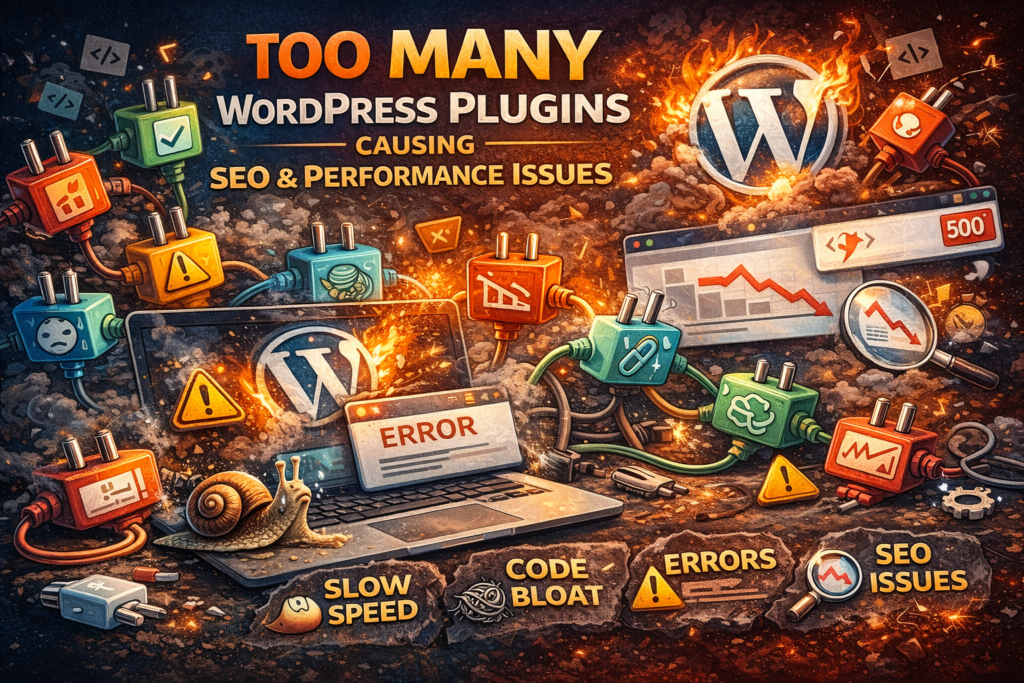
2. Installing Too Many Plugins
Plugins add functionality, but excessive plugins:
- Increase page load time
- Create script conflicts
- Introduce security vulnerabilities
Many websites install plugins for tasks that should be handled by clean code or optimized themes. Fewer, well-maintained plugins always perform better.
3. Unoptimized Images
Large, uncompressed images are one of the biggest contributors to slow websites.
Common image mistakes include:
- Uploading original image sizes
- Missing image compression
- No lazy loading
- Missing alt text
Optimized images improve speed, accessibility, and image search visibility.
4. Incorrect SEO Plugin Configuration
Installing an SEO plugin alone does not fix SEO.
Common configuration mistakes:
- Duplicate meta titles and descriptions
- Incorrect indexing rules
- Broken sitemap settings
- No schema implementation
SEO plugins must be configured strategically to support rankings.
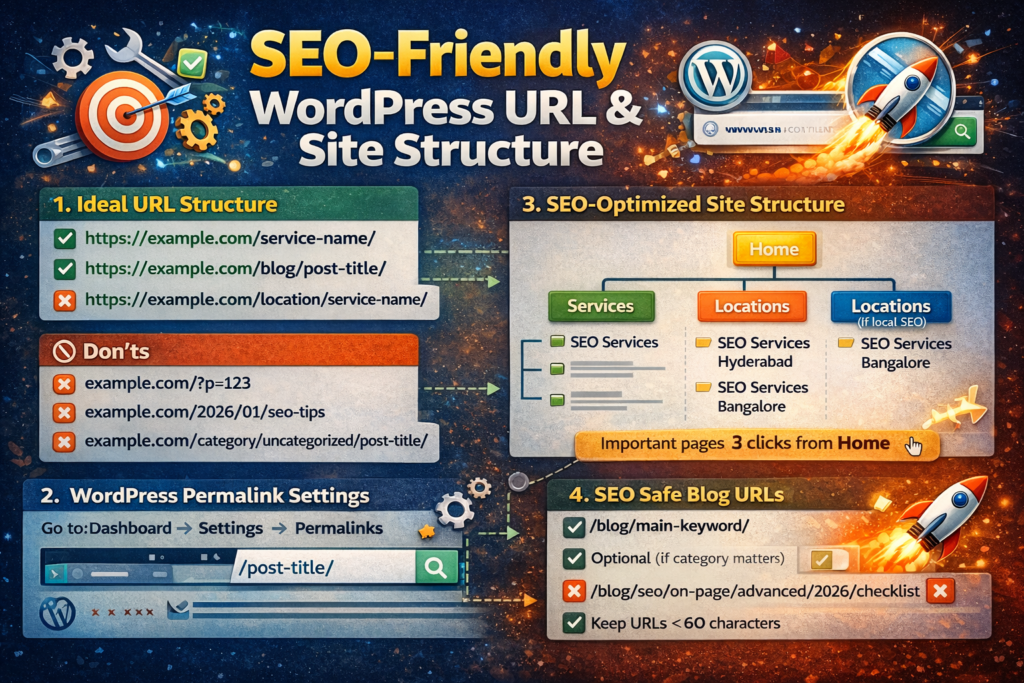
5. Poor URL and Site Structure
URLs like:
example.com/page-id=123
create confusion for both users and search engines.
SEO-friendly URLs:
- Are short and descriptive
- Include keywords naturally
- Reflect site hierarchy
Clear structure improves crawlability and internal linking effectiveness.
6. Ignoring Mobile Optimization
Google uses mobile-first indexing, meaning your mobile site determines rankings.
Mobile SEO mistakes include:
- Poor responsiveness
- Slow mobile load speed
- Broken layouts
- Hard-to-tap buttons
If mobile users struggle, rankings will drop—even if desktop performance is good.
7. Weak or Missing Internal Linking
Internal links help search engines understand:
- Page relationships
- Content importance
- Topic authority
Without proper internal linking:
- Pages remain orphaned
- Authority is not distributed
- Rankings stagnate
Every blog and service page should be internally connected.
🔗 Internal Link: SEO Services Page
How Fixing These WordPress SEO Mistakes Improves Rankings
Correcting WordPress SEO mistakes results in:
- Faster load times
- Better crawlability
- Improved Core Web Vitals
- Higher engagement
- Stronger rankings
SEO success is often about fixing what is broken—not publishing more content.
How Often Should WordPress SEO Be Audited?
WordPress websites should be audited:
- Quarterly for performance and SEO
- After major updates
- When rankings drop
- Before launching new pages
Regular audits prevent small issues from becoming ranking killers.
Final Thoughts
Most WordPress SEO failures are technical, not content-related. Businesses often invest heavily in blogs and backlinks while ignoring the foundational issues holding their website back.
Fixing WordPress SEO mistakes creates a strong technical base that allows SEO efforts to work effectively and sustainably.
FAQs (ADD FAQ SCHEMA)
Can WordPress rank well without SEO optimization?
No. While WordPress is SEO-friendly, proper optimization is required for competitive rankings.
Do plugins alone fix WordPress SEO issues?
No. Plugins support SEO but cannot replace correct structure, speed optimization, and strategy.
How often should WordPress SEO be audited?
At least once every three months, or immediately if rankings decline.
Is WordPress good for SEO in the long term?
Yes. When properly optimized and maintained, WordPress is one of the best platforms for long-term SEO growth.